One Cool Tip Newsletter - May 18, 2024

😀Happy Saturday, Cool Tippers!


Welcome to your daily dose of tech-savvy brilliance!


At One Cool Tip, we're dedicated to bringing you those "aha!" moments.


Get ready to streamline your digital life with simple, actionable tips delivered straight to your inbox.


New here? Don't forget to Subscribe to the One Cool Tip Newsletter for daily updates.


🙋‍♂️ We need your help!


🥰 If you enjoy our tips, please forward this newsletter or share it on social media using the links below. Spread the One Cool Tip love! 🥰


IN THIS ISSUE


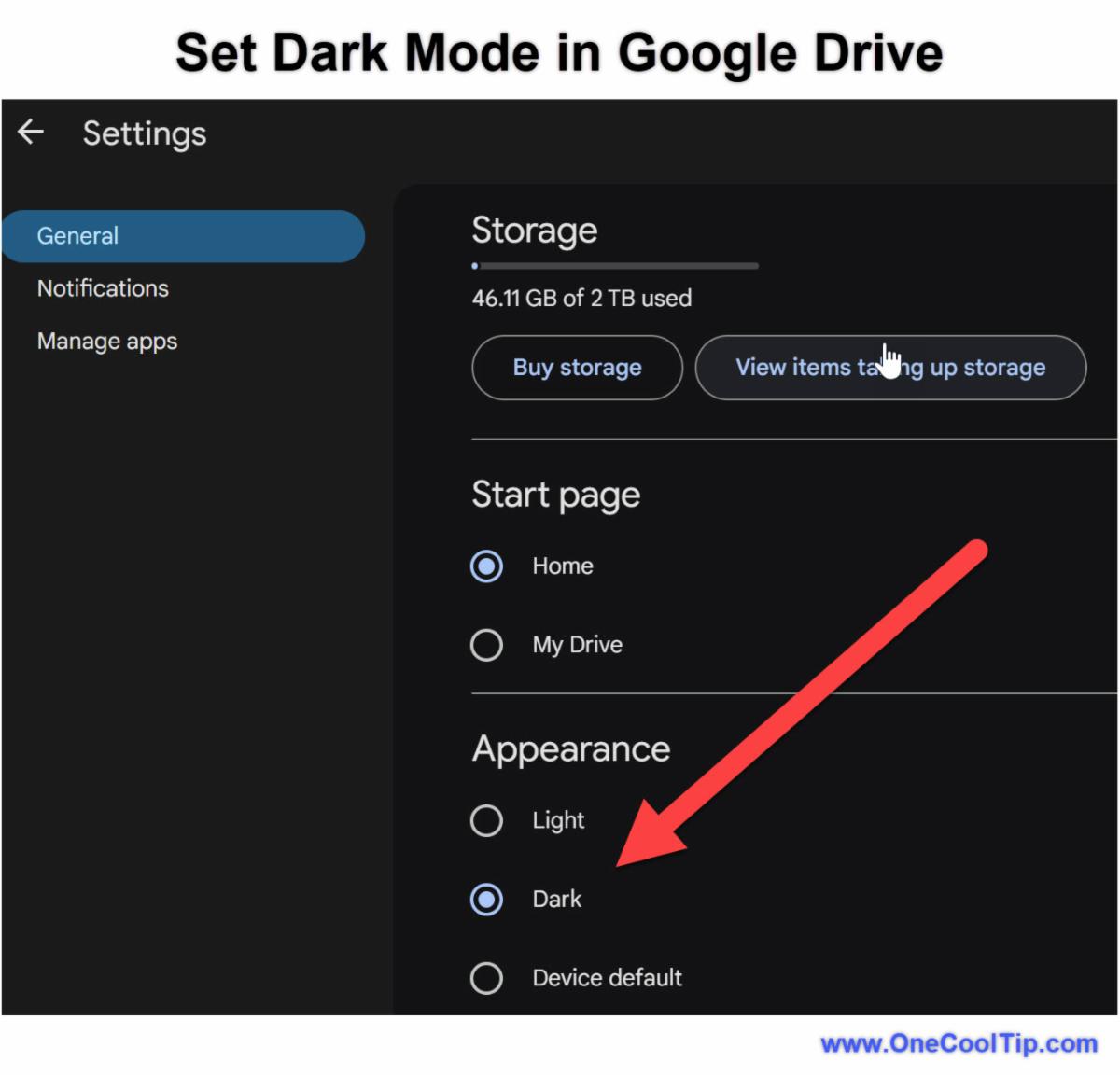
😎 Give your eyes a break and make your Google Drive look sleek.


🔍 Smarter Google Searches: Find what you need faster with hidden tricks.


😟 Learn how to remove your personal info from Google search results.


📺A Cool video on a new Google autocorrect feature.


😹A funny Cool Tip Comic


Today's Tech Trivia


In which year did Google acquire the video-sharing platform YouTube?


a) 2004

b) 2006 

c) 2008


Answer is at the end.

Share this One Cool Tip Newsletter!

X Share This Email
LinkedIn Share This Email
Pinterest Share This Email

Cool Thoughts

🆒Today's One Cool Tip shows how to turn on Dark mode on for Google Drive on the web and mobile apps. 👀Make your eyes happy. Read the full Cool Tip.


📺Ditch cable. Stream on Google Chromecast! 🛒


❓Do you ever find yourself wanting to search Google for a word or phrase that you see on a web page, but you don't want to open a new tab or window? 


Here's how to do it:

  1. Open the Google Chrome browser.
  2. Open the web page that contains the word or phrase that you want to search for.
  3. Right click using the mouse on a word or phrase.
  4. Select "Search Google for 'word or phrase'" from the right click menu.
  5. Google will open a new tab or window with the search results for the selected text.


🆒Stay Cool this summer with the Google Nest Learning Thermometer.


🔎Ever struggle to remember a song lyric, a quote, or the exact wording of something you want to find online?  Wish you could tell Google to fill in the blanks for you?  Here's how to do it.

  1. Go to http://www.Google.com .
  2. Place the asterisk "*"where you'd like Google to fill in the blanks.
  3. Combine the asterisk with other words to give Google hints.
  4. Try different asterisk placements for more targeted results.


🚪🔔Knock Know. Who's there? You'd know if you had this Google Nest Doorbell!


😟Do you worry that your personal information is too easily accessible onlineRequest to remove your personal information from Google search results. Here's how to do it.


  • Find a page in search results that contains personally identifiable information.
  • Tap the three-dot menu icon to bring up the “About this result” panel
  • Click Remove result.
  • Google will take you to the removal request form.
  • Select the reason why you would like to remove the search results.
  • Click the blue arrow to the right of your choice.
  • Follow the remaining steps and submit the request to Google 


👍Support Local Businesses!


Do you follow local merchants or organizations on social media? Help them out by LIKING, SHARING, SUBSCRIBING, and COMMENTING on their posts. It’s free and helps them reach more users!


😎 We like nerdy things. Do you?


😜 Tech Joke of the Day😅


Q: Why did the Google Maps directions get everyone lost in the corn maze?


A: They took the scenic root.😅

Today's Top One Cool Tip

Embrace the Dark Side: Google Drive Gets a Sleek Makeover with Dark Mode

Google Drive's new Dark Mode is here to save your eyes and boost your productivity.


Learn how to enable it on web and mobile.

Read the One Cool Tip

Cool News Around the Web

Cool News Around the Web


Did You See These Cool Tips This Week?

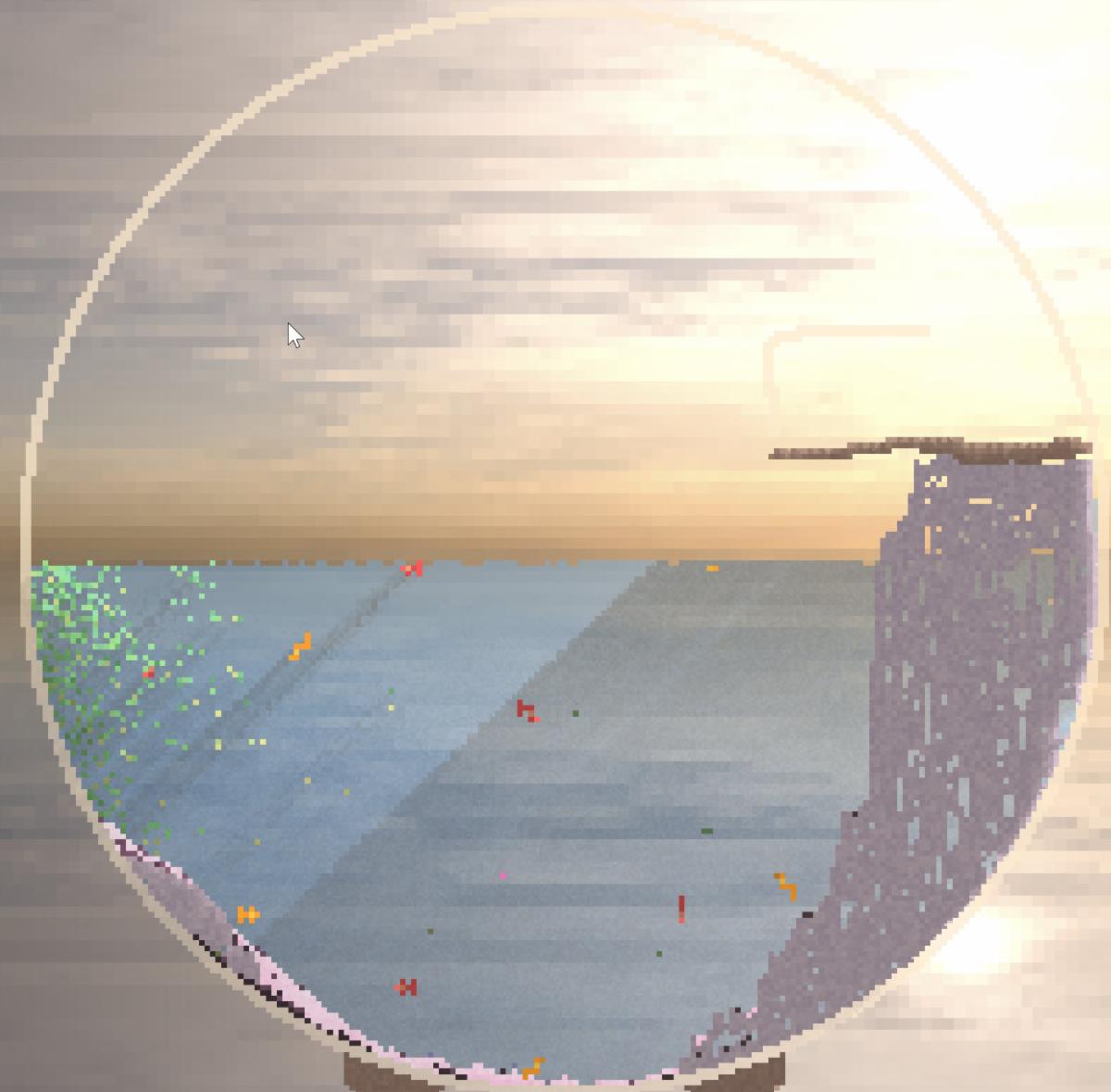
Dive into Orb Farm: Your Virtual Aquatic Playground

Explore the enchanting world of Orb Farm, an innovative virtual ecosystem that lets you create and nurture your own thriving underwater world.


Learn how to cultivate aquatic life, experiment with different species, and discover the delicate balance of nature.

Read the One Cool Tip

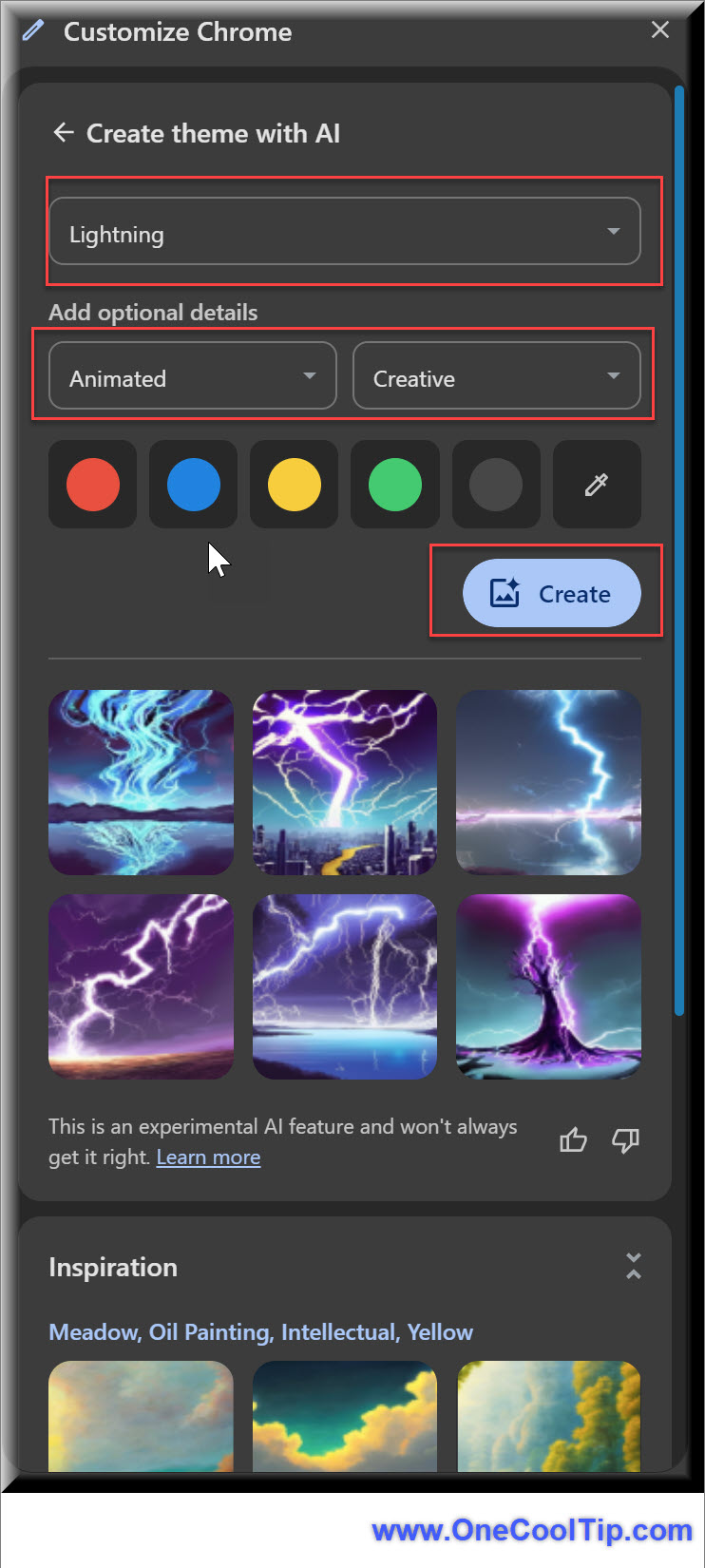
Unleash Your Creativity: How to Design a Unique Chrome Theme with AI

Google Chrome's new AI-powered theme generator lets you effortlessly create custom themes based on your preferences.


Learn how to harness this innovative tool to personalize your browsing experience.

Read the One Cool Tip

One Cool Tip Favorite Thing

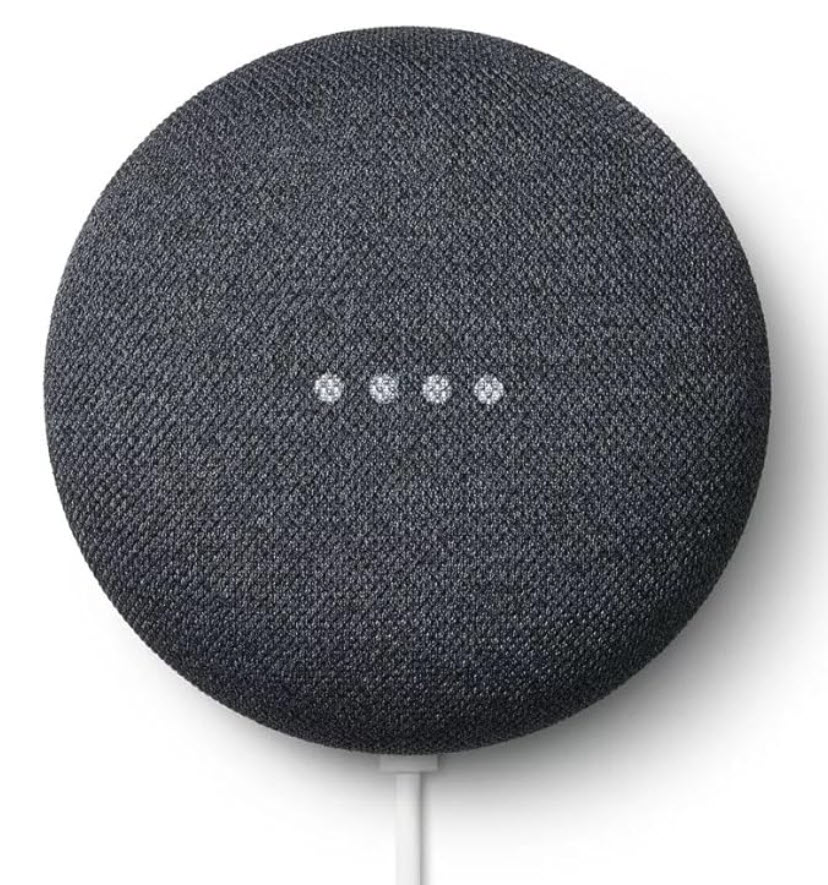
Upgrade your smart home with the Google Nest Mini 2nd Generation!

Looking for a hands-free way to control your home, get answers, play music, and more? 


The Google Nest Mini is your new best friend. 


Don't miss out on this smart home essential – order your Google Nest Mini today and experience the future of convenience!


Buy: https://amzn.to/4bIgYLx

Check Out This Cool Thing!

ICYMI - In Case You Missed It ...

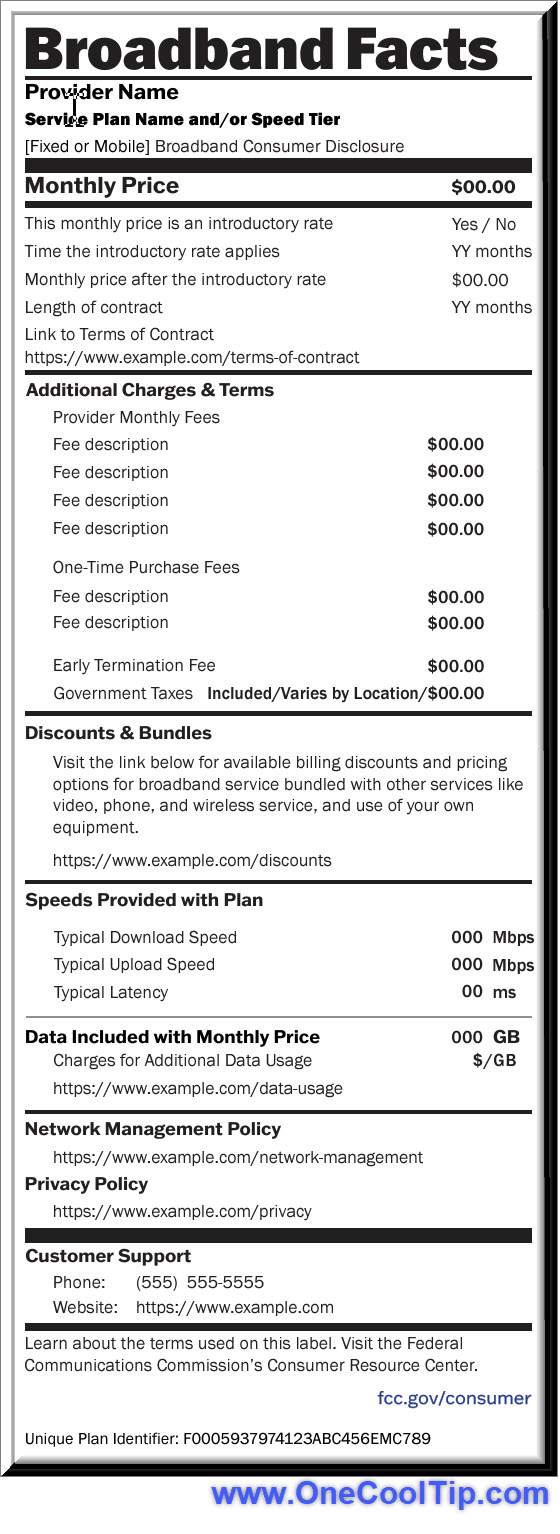
Tired of hidden fees and confusing internet plans?

The new Broadband Consumer Labels are here to help you make sense of it all.


Learn how to use them to your advantage.

Read the One Cool Tip

One Cool Tip Video

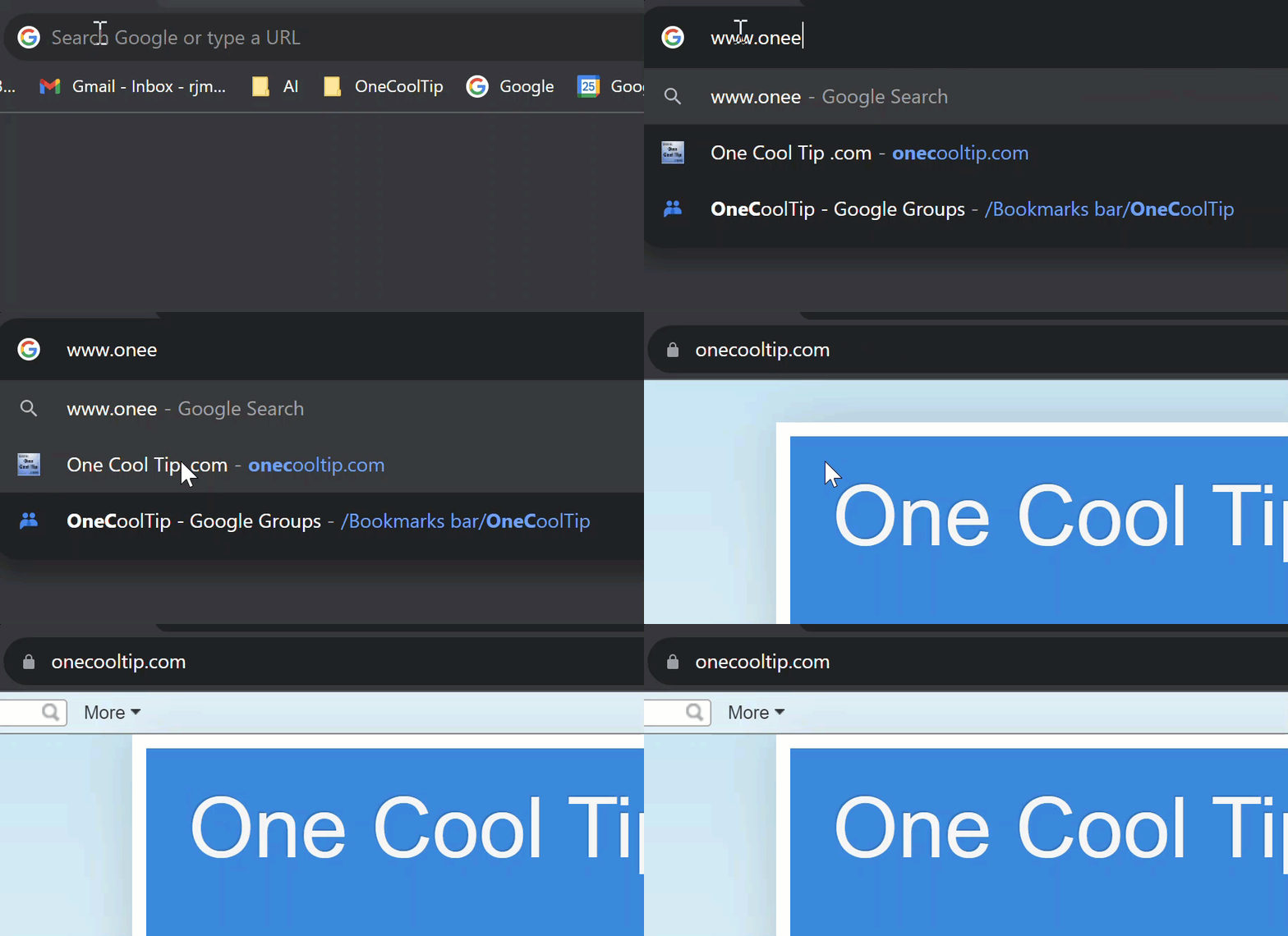
How to Use the New Google Search Autocorrect URL Feature


Check out Google's new URL autocorrect feature.


WATCH NOW


Cool Tip Comic

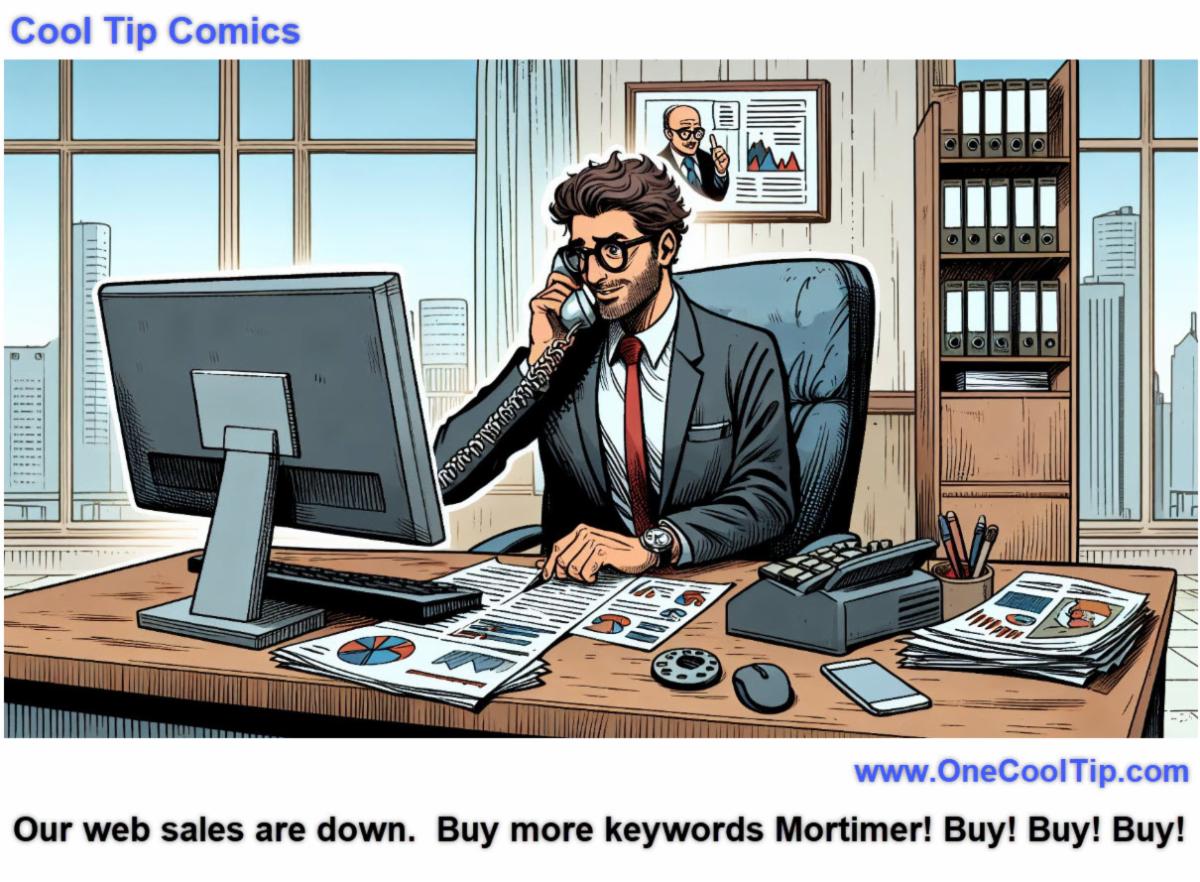
Mortimer better learn how to Sell Sell Sell too!

Until Tomorrow

Answer:  b) 2006. Google made a significant move by acquiring YouTube, the popular video-sharing platform, for $1.65 billion in stock. This acquisition solidified Google's presence in the online video space and has since proven to be one of the most impactful tech deals in history.


That's all for today, but stay tuned!


Tomorrow's Cool Tip is waiting to amaze you.


Until then, go forth and conquer the tech world with your newfound knowledge!


And be sure to visit www.OneCoolTip.com for Cool Tech Tips for a Cooler Life!


Enjoy!


Rodger

Chief Cool Tipper

onecooltip.com@gmail.com

What Do You Think?

What do you think of today's OneCoolTip newsletter?
Great
OK
Terrible

Please Share the One Cool Tip Newsletter!


You asked for it. You got it. There is now a One Cool Tip Newsletter archive. Did you delete a newsletter and want to read it again? Check it out HERE.


Want to help One Cool Tip grow? Please forward this email using the link above. And if you see a OCT social media post, please LIKE, COMMENT and SHARE!


Have you subscribed to the One Cool Tip YouTube channel? Subscribe HERE.

X Share This Email
LinkedIn Share This Email

Connect with One Cool Tip!!

Facebook  X  Instagram  Web  Pinterest  YouTube  LinkedIn

As an Amazon Associate, One Cool Tip may earn a small commission from qualifying purchases.


Our media content is intended solely for informational purposes only. Please do not construe anything here as legal, tax, investment, financial, marital or other advice.


Copyright © 2024 | www.OneCoolTip.com | All Rights Reserved