and an Infusion of Improvements for Even Faster and Simpler Media Backups
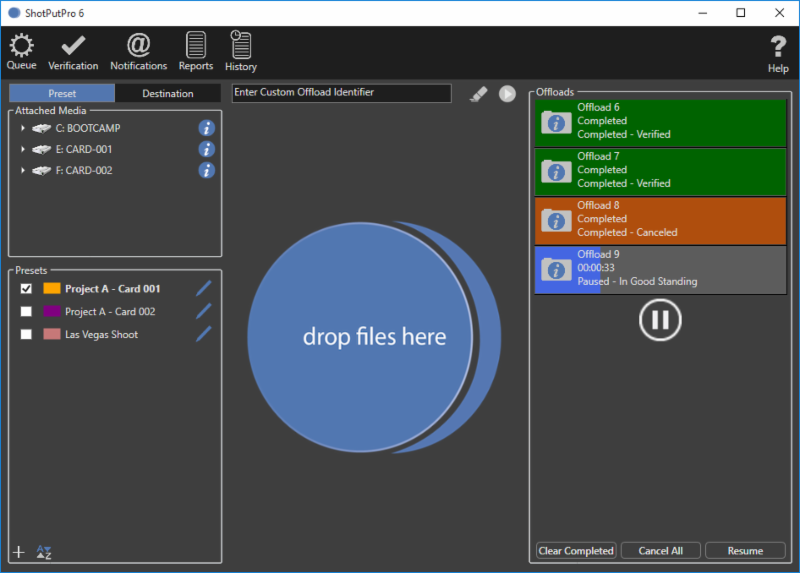
The traditional Preset mode has been simplified for a streamlined offloading experience.
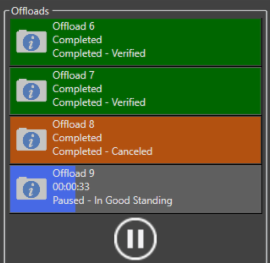
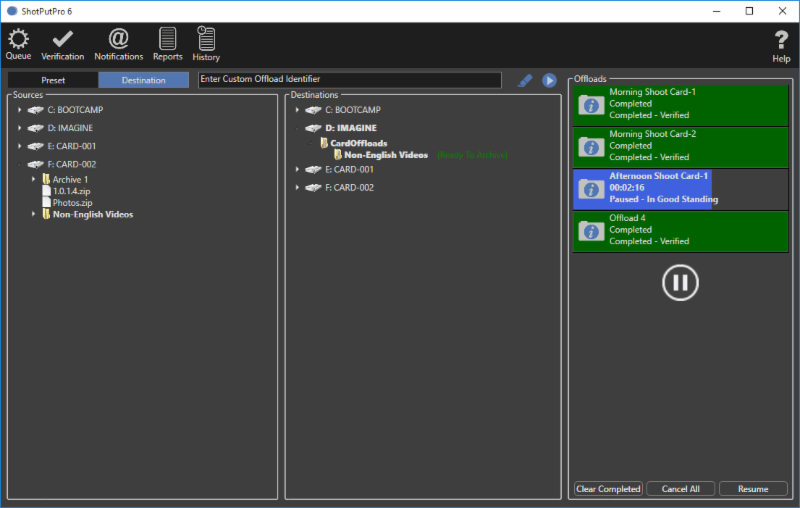
Pause and resume offloads for hours if necessary. Detach hard drives and reattach them when you are ready to resume offloading.
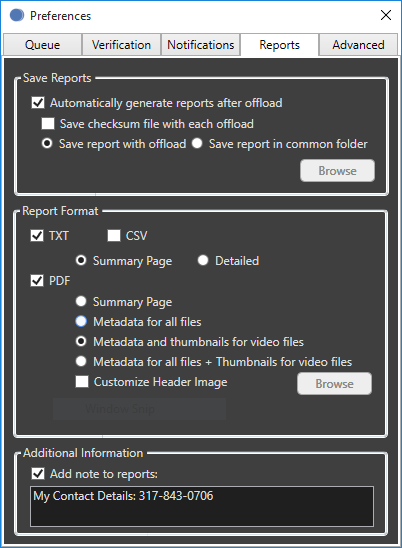
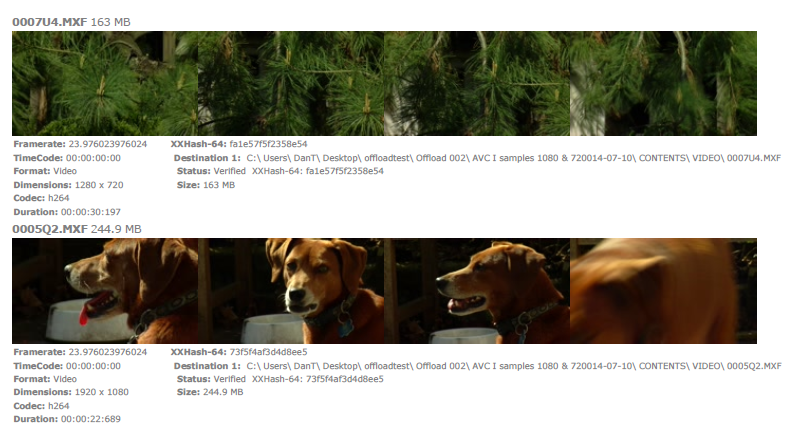
Multiple options for offload reports, including PDF reports with thumbnails and metadata for video files. Add notes to each report such as contact information.
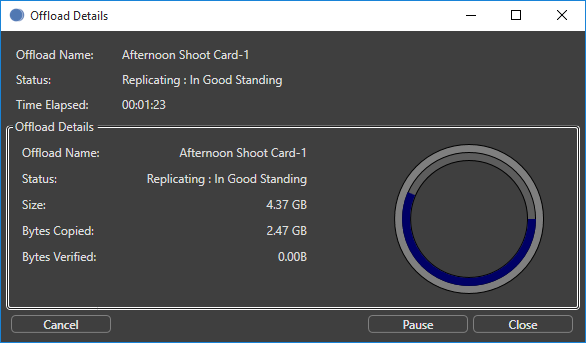
Click on the 'i' icon in the progress window for details about each job, as it's processing or when it's complete.
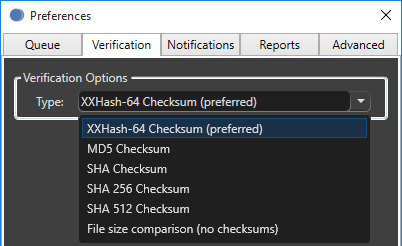
Choose from multiple verification options including xxHash and file size comparison.
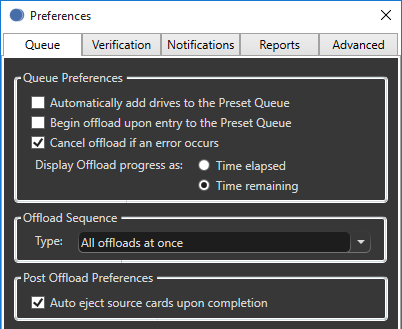
Customize the queue to your preference including automatically beginning offloads and the option to for cascading offloads.
The new Destination mode allows users to drag files or folders from the source column (left) to the destination column (middle)
to an existing folder or location with an at-a-glance progress window (right).
PDF reports with four thumbnails & metadata for every video file.
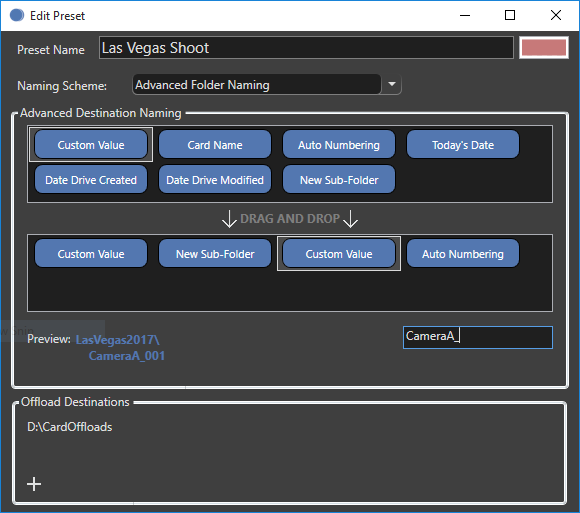
Advanced naming presets can be labeled, saved and color-coded for quick reference in the future. Multiple folders can be created and nested within one another for added organization.
How to purchase ShotPut Pro 6 for Windows
ShotPut Pro 6 for Windows is available as a direct download