|
Dear Valued ARINCDirect Customer,
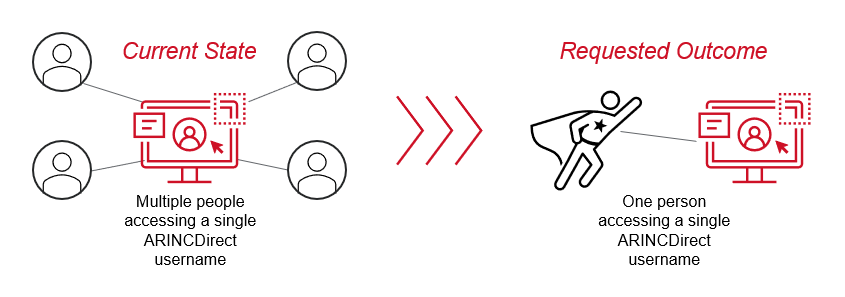
In an upcoming change that will provide enhanced security on all your ARINCDirect touchpoints, shared login credentials will no longer be supported. We are undertaking this migration as part of the process to move forward from single, password-based authentication to multi-factor authentication, or MFA.
Our Request
As an account admin, please go through the usernames in your company and ensure that each username is tied to a single user. That user can have more than one username (for example, an administrator account and a regular user account) but all accounts for the same individual need to have the same email address. And we are requiring that an email address be associated with a single individual, even if they have access to several usernames.
If none of your people share usernames and each user has their own email address, then no action is required for this part of the migration. We do encourage you to check your company’s usernames now, though, to prevent future surprises.
For example, let’s say that three individuals within your company access ARINCDirect via a single shared username today. Each of those three will need their own username tied to their own email address. If needed, here’s how you as an administrator can create new accounts:
- Navigate to My Company and click on the green “Create New User” button.
- Complete the form for the single individual and then click on the “Save New User” button at the bottom of the screen.
- The new user will be sent an invitation via email and will be prompted to set their password at that time.
- Finally, that new ARINCDirect account can be linked to the individual’s Izon account via the workspaces feature at the top right. More information can be found in the Izon Setup Guide.
|