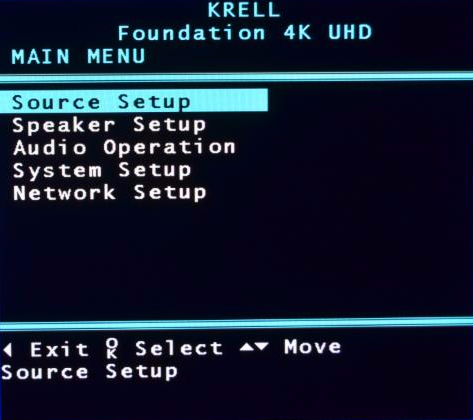
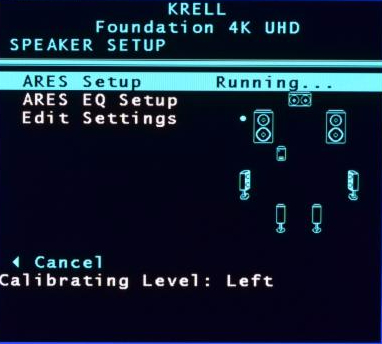
We have released V1.34 software for the Foundation 4K processor. This Foundation 4K software update adds an onscreen menu system for configuration. The Foundation 4K can now be configured via the built in web server, front panel, or the new on screen menu. Using the arrow keys and the enter button, navigating through the new menu system is straightforward and convenient.
Important Note:
To update to software V1.34, the Foundation 4K must currently be at software V1.33 with a June 4, 2015 date code. If a software update is attempted with an earlier software version, it will fail to complete. If your Foundation 4K has an earlier software version, please contact the Krell Tech Support team at: 203-298-4020 for assistance. Otherwise, please follow the instructions below to download the new software.
Updating the Foundation 4K Firmware
The easiest way to update a Foundation 4K processor is to connect it to a network with internet access. From there, navigate through the main menu to Software Update and then press the Enter button to proceed to the Network submenu.
Press the Enter button and the Foundation 4K will begin checking for the latest firmware. If a more recent firmware is available, press the Enter button and the Foundation 4K will begin the download process. When complete, the Foundation 4K will return to standby. If the Foundation 4K firmware is current, the Foundation 4K will display the Software Up To Date message.