Update to the Service Portal
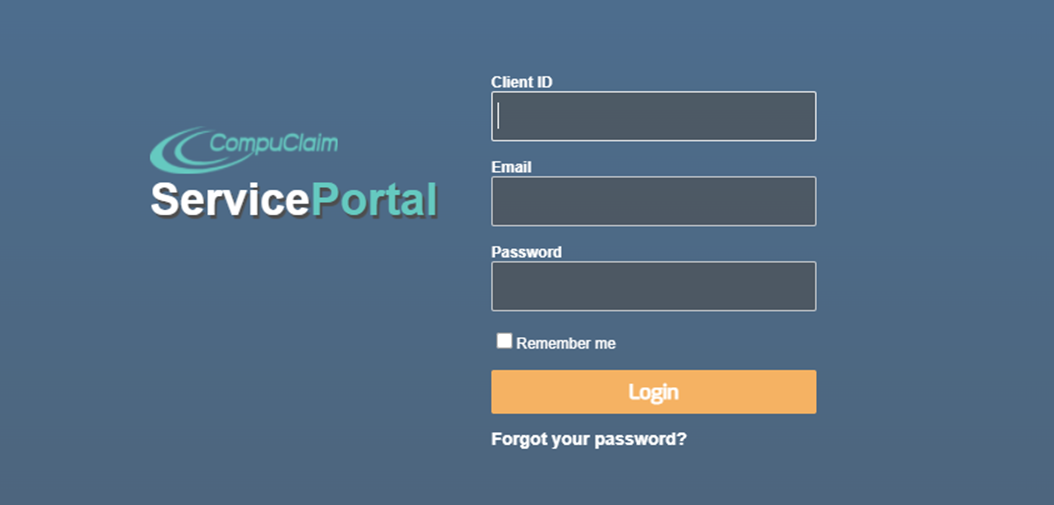
To kick off 2022 we have updated the log in page for our Service Portal. For the update to work correctly, please clear cache/cookies from the browser history. Here is a quick how-to for easy reference.
Keyboard Shortcut for Most Browsers
If you are using Internet Explorer, Edge, Google Chrome, or Mozilla Firefox you can quickly clear cache with a keyboard shortcut. While in your browser, press Ctrl + Shift + Delete simultaneously on the keyboard to open the appropriate window.
IMPORTANT: Be sure and close/quit the browser and restart it after clearing the cache and cookies.
Why Clear Cache and Cookies?
Clearing the Cache and Cookies from a web browser an important first-step for almost any troubleshooting for internet browsing. The 'cache' is a tool used by your internet browser to speed up the page loading process. However, sometimes it can cause a problem when websites are updated and developed as files saved in the cache may conflict with what's actually coded into the website. Clearing Cache and Cookies is a way we can be sure that any issues you may come across are actually something wrong with the website, rather than inconsistencies caused by using different browsers.