August 5, 2024

HUGE NEWS from us this week. First, there are changes: to my company, this newsletter and my website. After reading your survey comments, I realized that there is no single place media creators can go to get the latest news. While I've added news to this newsletter, I realized I needed to do more. So, we redesigned our home page to feature daily news updates. New stories posted daily!


Link: https://LarryJordan.com


Second, I'm delighted to announce that Axle AI has acquired the extended library, training properties and websites of Larry Jordan & Associates Inc., as an independent division of Axle AI, Inc. Specifically, they are giving me the resources to extend what I am already doing. Here's an explanation of why we did this.


Link: Why Join Forces With A Media Asset Management Company?


Third, as Sam Bogoch, CEO of Axle AI, and I talked, we realized that we can do more to help all of us learn more about where "Video Meets AI." So, this Wednesday, my webinar is a live discussion between Sam and myself looking at what media creators need to know about the current state of AI. This isn't a commercial, it's a news briefing. It's a chance to learn about the challenges and opportunities that AI presents to each of us; with time to ask questions!


Registration linkLarry's FREE Briefing on Video and AI


In the News


Because news moved to the home page, and I'm updating it daily, I'm changing my news reporting to only showcase what I think are the top three stories for the week. 


TV Tech reports that the FCC announced that it will move forward on a previously announced proposal to implement requirements to disclose AI-created content in TV and radio ads. (The FEC is considering a similar rule for all online political ads.)


Link: FCC Looks to Require Identifying AI in Political TV Ads


Zaxcom presents almost two dozen interviews on how production sound mixers captured the moment for a variety of feature films.


Link: https://zaxcom.com/category/learn/stories/


Atomos updated its on-camera monitors with the new Shinobi II 5.2” HDMI HDR Monitor, featuring more hardware functionality, camera control, and a sleeker, more versatile design.


Link: https://www.atomos.com/explore/shinobi-2/

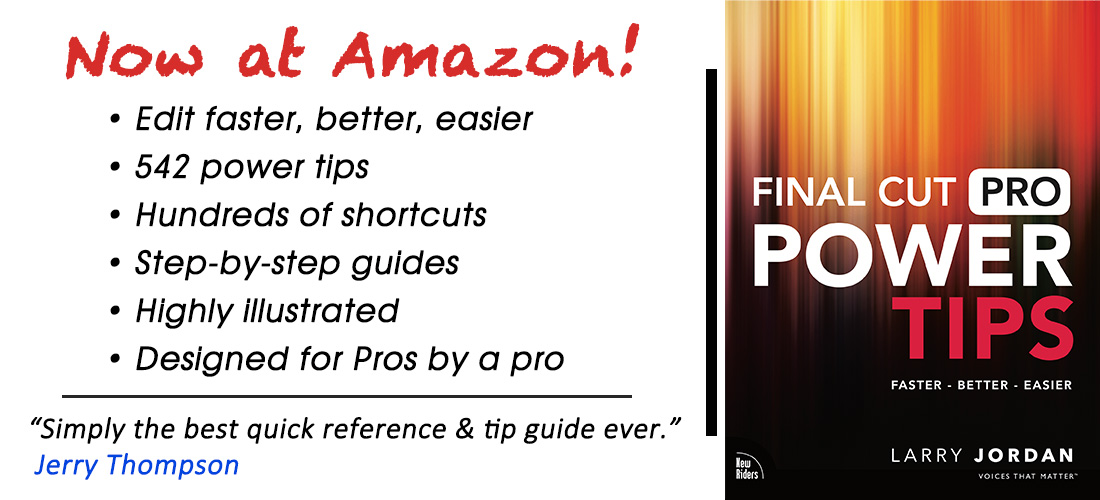
Amazon Tips

Last week's webinar on New Features in Adobe Premiere Pro 24.5 is now available in my store and Video Training Library. There are ton of new goodies to see!


Link: Webinar - New Features in Adobe Premiere Pro


There's a change in webinars this week. At the invitation of Axle AI, I spent last week speaking and listening at the UFVA (University Film & Video Association) conference in Cleveland, OH. I heard a number of discussions on the impact of AI on media and education. It was clear that there is a lot of concern about AI, as well as it being a term with different meanings and impacts on our industry.


So, this week, I invited Sam Bogoch, Founder/CEO of Axle AI, to join my webinar and give us a briefing on the current state of AI in media. I invite you to join us for one of two sessions this Wednesday. This is less a formal presentation and more of a conversation with Q&A. As always, my live events are free.


Registration Link: Larry's FREE Briefing on Video and AI


Because of this new webinar, I delayed the "Efficient Final Cut" session by a week.


TUTORIALS


A question I get a lot is: "How do I import just a section of a clip?" The answer is: "You can't." But a better answer is that, most of the time, you don't want to.


Link: Why You Can’t Import a Section of a Video Clip for Editing


It was pointed out last week that a large number of links in my Plug-ins article were bad. Totally my fault - I didn't check these carefully enough. My apologies. These are now fixed.


Link: Survey Says: What Media Plugins Are You Using? (Updated)


Regardless of which NLE you use for editing, there is a lot of confusion about formatting captions. The short answer is: Don't. This quick video explains why.


Link: Captions Are Not Titles


Here's an excerpt from last week's webinar on New Features in Adobe Premiere Pro. This very cool interactive audio feature steals a trick from Adobe Audition.


Link: New Interactive Audio Fade Controls in Premiere Pro


Another common question is how to optimize media for YouTube. I recently updated this article to also include USB sticks and ProRes uploads.


LinkOptimize Media for YouTube, Download, Streaming or USB Drives


I am truly excited to be working with the team at Axle AI. I get to keep doing what I'm doing, but with more resources. As you saw already, we redesigned our home page to make industry-specific news more accessible. More redesign changes are in the works. Also coming is expanding our software coverage, adding new voices to contribute to the site, more frequent webinars on more subjects, and more. 


Above all, I'm grateful for your support. Your comments, suggestions and criticisms are all valuable to me. I'm having fun and looking forward to discovering what our industry has in store. I'll see you at this Wednesday's conversation on AI! 


Until next Monday, stay healthy, stay hopeful and edit well.

TUTORIALS & REVIEWS

» Axle AI Announces Acquisition of LarryJordan.com (Press Release)

  » An expanded company to provide greater support to our industry.


» Why Join Forces With A Media Asset Management Company? (Commentary)

  » An explanation of why these two companies came together.


» Why You Can't Import a Section of a Video Clip (Tutorial)

  » The key reason is that this would take too long and waste storage space.


» Captions Are Not Titles (Commentary)

  » By definition, captions are not designed to look good.


» New Interactive Audio Fade Controls in Premiere Pro (Video Tutorial)

  » This is a feature I use every week in Audition. Now I can do it in Premiere.


» Optimize Media for YouTube, Downloads or Streaming (Tutorial)

  » Here's how to make your video look as good as possible.


» CORRECTED: Survey Says: What Media Plug-ins Are You Using? (Analysis)

  » The original version of this post had a ton of bad links. Sorry.

Register Now!

Video Meets AI - A Briefing About Media


This week, I invited Sam Bogoch, Founder/CEO of Axle AI, to join us for a briefing on the current state of AI in media. AI is not just creating pretty pictures or destroying jobs. AI is being used widely across our industry; in some ways good, in others bad, and some that are just threatening chaos.


This is less a formal presentation and more of a conversation with time for your questions.


Everything you need - all in one place.

Buy Now!

All Things New! in Adobe Premiere Pro


  • Text-based editing improvements
  • Improved audio workflow
  • Improved marker behavior
  • Text styling for captions and graphics
  • Improved waveforms and clip badges
  • Streamlined proxy creation and custom watermarks


Everything you need - all in one place.

TOP 4 TITLES LAST WEEK

ARTICLES


» Survey: What Plug-ins Are You Using?


» Setup and Editing iPhone HDR Media


» Review: Epson v600 vs v850 scanners


» Review: OWC Express 4M2 SSD RAID


» View all Larry's tutorials here.

WEBINARS


» Larry's Video Training Library


» 366: New Features in Final Cut Pro


» 350 Audio Techniques in FCP


» 362: Color Tools in Final Cut Pro


» See all of Larry's Training Titles