June 2021
Director's Corner
Angela T. Baldree

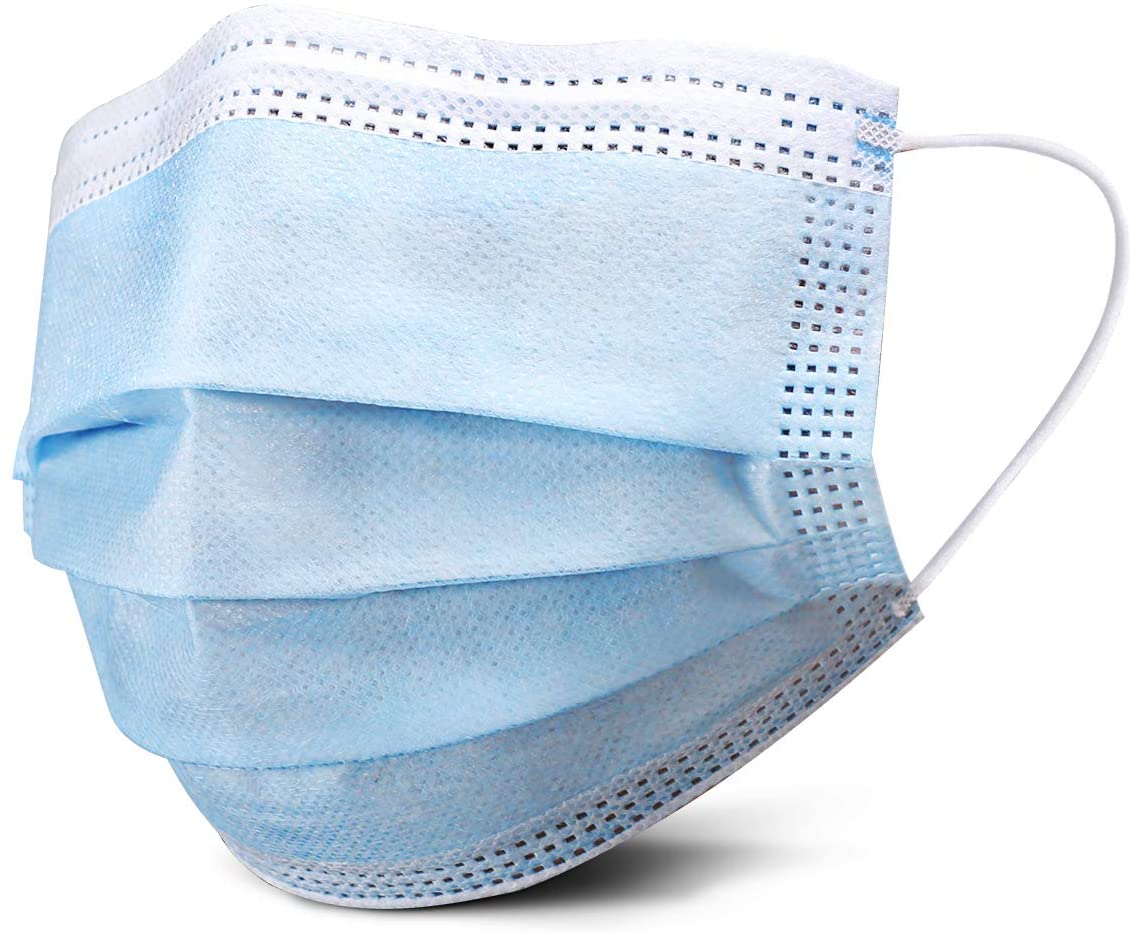
Effective June 1, 2021, the law library will rescind all restrictions associated with Covid-19, in keeping with the state's response. While fully vaccinated individuals are not required to wear a mask, those who have not been fully vaccinated are encouraged to continue to wear their mask and socially distance. Antibacterial products will continue to be available for everyone's use. Since this is a public space, please be considerate to staff and other patrons who may not feel as comfortable as you do. Also keep in mind, this only applies to the law library. Other agencies may follow their own guidelines. Please check with them prior to your visit.

The law library is now offering the National Consumer Law Center digital collection remotely from our website. The database offers full texts of their 21 treatises. These treatises are a must for anyone practicing consumer law. The username is FCLL and the password is 4Research. This database will be available remotely for one year. We'll re-evaluate usage next year before determining whether or not to renew.
Free Covid-19 Vaccines

Tuesday, June 8
10am - 2pm

No Appointment Necessary
Open to Everyone

Outside the Courthouse
Corner of Mound St & High St
Remote Resources Available

Regardless of our status, our patrons can continue to use our resources remotely.

  • Email us your research requests at fcll-info@franklincountyohio.gov. We usually answer requests within the hour.
  • Fastcase is an online research database similar to Lexis and Westlaw. You can access this site remotely using the username FranklinCounty and password fastcase.
  • National Consumer Law Center. You have access to their 21 treatises on consumer law using the username FCLL and password 4Research.
  • eBooks are available through our website. Several Matthew Bender handbooks are available. You only need your law library card number.
  • We have 57 Legal Research Guides to help you on any number of topics. These guides are compiled by our Reference Librarian and contain information vital to your topic.
  • The Ohio Legal Help Portal is another great resource for finding legal assistance.
  • Feel free to download any of our legal forms.
Podcast Roundup
Minnie Ozbeytemur

Its road trip time of year! Here are some podcasts to help you fight boredom and keep you entertained while driving.

Accused - A true crime podcast. Season 1 covers the murder of Elizabeth Andes who was killed in her Ohio apartment in 1978. Was the right man charged or did a murderer go free?

Ologies - Each episode is a different ology and includes bizarre stories about obsessions with trees (dendrology), eggs (oology), sewer rats (rodentology), and decluttering (oikology). The list goes on and on.

The Memory Palace - This podcast doesn’t have to be listened to in order, with each episode being its own short, surprising stories of the past.

The Only One in the Room - Laura Cathcart Robbins decided to write about her experience of constantly being the only black woman in the room. The podcast is a result of all the comments flooding in from the article she published in 2018.

The Clearing - For years, April Balascio feared her father, Edward Wayne Edwards, was a murderer. This is the story of what happened when she called a detective with her suspicions, a call that led to the arrest and conviction of her father.

YouTube videos are usually included in this section of the newsletter, but the library does not want anyone watching videos while driving. Practice safe driving! However, if you have bored kids in the backseat, here is a cute one for them.

Storyline Online - Videos of actors reading children’s books! Viola Davis, Tony Hale, Rami Malek, Betty White, Oprah and many others read an assortment of books to help keep your kids entertained.
Tech Talk - Secure Online Shopping
Steve Stultz, FCLL IT Coordinator

There is a little bit of black magic involved with how Wi-Fi works. By that I mean that sometimes things seems a bit mysterious as to why Wi-Fi works well or doesn’t in any given physical environment. I’ve compiled some ideas to help you troubleshoot your Wi-Fi network problems.

Wireless Router Location
Wireless signals tend to fall sort of like an umbrella, meaning that the signal is stronger below your wireless router or access point than above it. So never put your wireless router or AP on a floor below where you need to use it. Keep it up high. Wireless routers or APs are also best positional away from walls, because walls tend to “soak up” the Wi-Fi signal.

Consider your Walls
In older buildings with denser walls, or walls made from plaster instead of drywall, you’ll find that the signal doesn’t penetrate as well through those walls. In that case you might consider upgrading to a mesh network. With a mesh network, you have multiple wireless access points, and you place them strategically around your space so that you get good coverage everywhere. One of my favorite mesh network products currently is the TP-Link Deco S4 system.

Something else to consider is the Wi-Fi frequency. Most modern wireless routers and access points operate on the 2.4 GHz and 5 GHz bands. The lower 2.4 GHz frequency band will penetrate walls better than the 5 GHz signal. The former is better for spaces with lots of walls, while the latter is better for big, wide-open work spaces.

Time to Upgrade Your Wireless Router or Access Point?
If your wireless router or access point is older, it may just be time to replace it with something more modern. Some modern wireless routers and access points will “beam form,” which means they concentrate the signal in the direction of the Wi-Fi devices using the signal. Older routers and access points don’t do this. Another reason to upgrade is that newer wireless routers are often more secure than older models. And in many cases, newer wireless routers will auto-update when security patches and bug fixes are released by the manufacturer. Older wireless routers do not. Again consider the TP-Link Deco S4 system. And newer wireless routers and access points have higher levels of Wi-Fi using better, faster Wi-Fi technology with more range. WiFi3 is in common use, but WiFi 4, 5, and 6 are newer and more robust in many ways.

Power-Cycle Your Devices
Don’t under-estimate the power of just restarting your wireless router, access point(s), computers, and other devices that make use of Wi-Fi. Wireless routers and access points are really just small computers that send and receive Wi-Fi signals. So much like a Windows computer, restarting those devices can sometimes fix problems with Wi-Fi.

Upgrade Older Wi-Fi Adapters
Adding a USB Wi-Fi adapter to a laptop or desktop computer to replace the device’s built-in Wi-Fi is sometimes a great answer. Maybe your new-ish wireless router or access point supports WiFi5 or even WiFi6, but your laptop’s built-in Wi-Fi adapter may only support WiFi3. That means that your laptop is only communicating with your wireless router or access point using WiFi3, missing out on the advancements in the higher Wi-Fi levels including better speed, rejection of interference, more range, and the like.

Fix Your Network Stack
Your Windows computer communicates with network devices using the network stack. This “stack” is simply several layers of software that allow data to flow from your computer out through your Wi-Fi antenna to the wireless router or access point and back. These software stacks can get damaged or corrupted and would then need to be fixed. One good free software product to reset and repair your network stacks is Complete Internet Repair by Rizonesoft. It’s easy to use, but you will need administrative access to your computer to use it.

Other Ideas and More Reading

For more ideas on troubleshooting Wi-Fi problems, have a look at this excellent article from Make Use Ofhttps://www.makeuseof.com/tag/fix-windows-10-wi-fi-problems/
vintage_book_and_tea.jpg
What We're Reading
Law Library Staff Share Their Favorites

Here are some of our recent favorite books. Share what you're reading on our Facebook page and we'll include them in future newsletters.

Angela: Under the Light of the Italian Moon by Jennifer Anton, A Double Life by Flynn Berry, and America's First Daughter by Stephanie Dray

Minnie: Know My Name by Chanel Miller and The Road by Cormac McCarthy

Susanna: The Roommate by Rosie Danan, Red Comet: The Short Life and Blazing Art of Sylvia Plath by Heather Clark, and Pride and Prejudice by Jane Austen