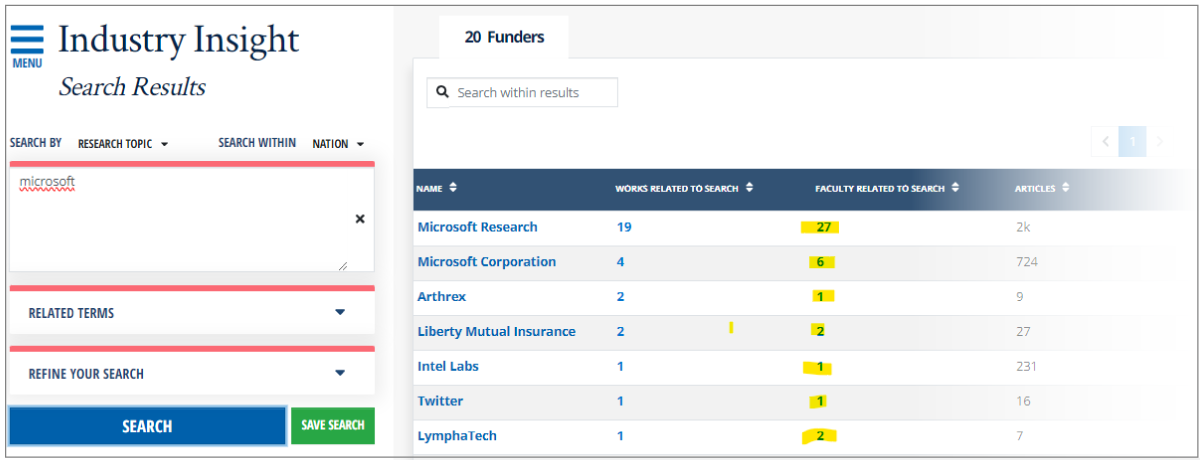
Product Enhancements
Portal
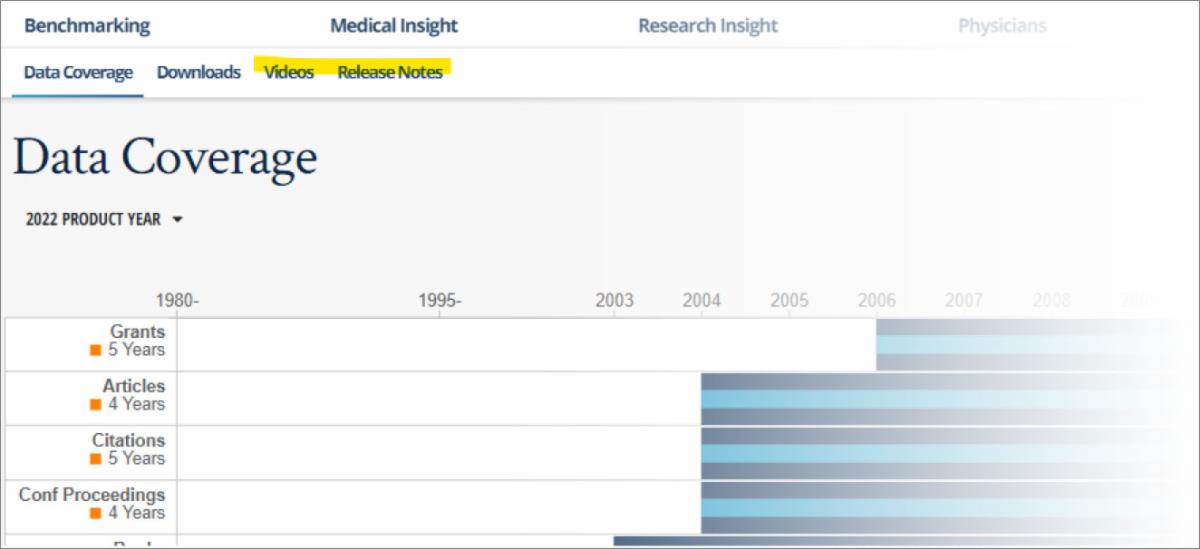
We’ve added release notes in the portal. You can find them from the portal home page or by navigating to “Resources” (formerly known as Data Center) and then clicking on “Release Notes”. Coming soon will be a section called “Videos” where you can view videos from Academic Analytics, as well as the Academic Analytics Research Center.
Alumni Insight
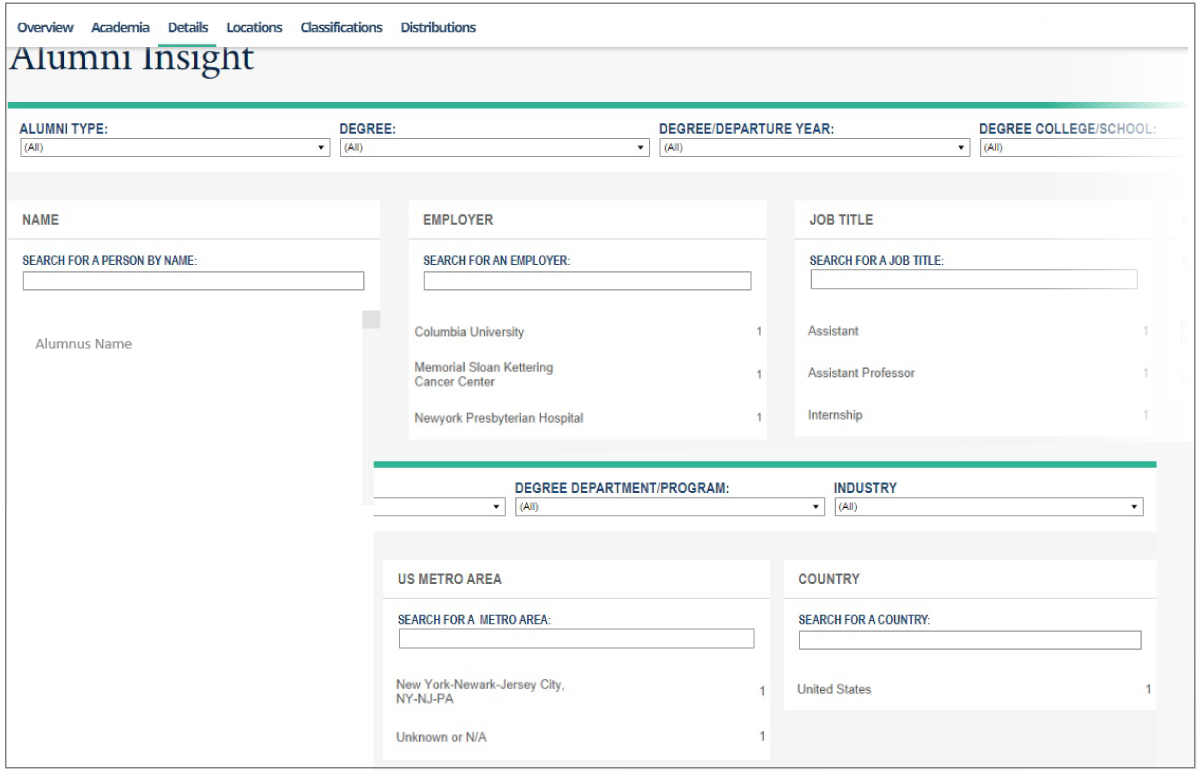
Alumni with multiple current positions now show ALL positions. Previously only one current position per alumni was displayed.
Benchmarking
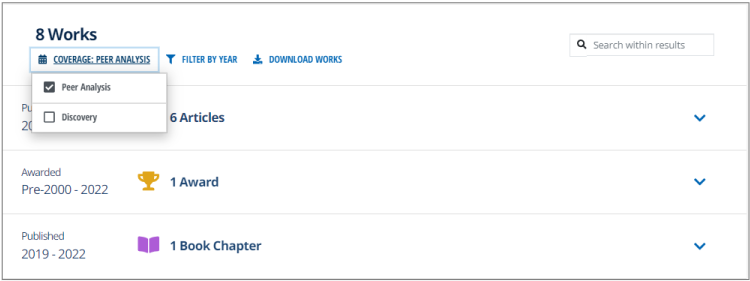
When viewing a faculty profile, you can now choose from two coverage options: Discovery or Peer Analysis. Discovery displays all works and the listed year ranges. Peer Analysis restricts work to the selected year ranges in the Time Window filter (otherwise the year ranges will default to the coverage window for the selected AAD release.
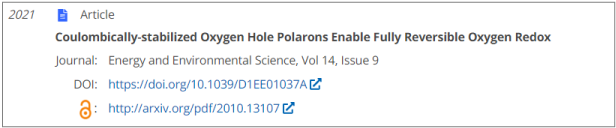
Open access links are now included where available, within all Article and Conference Proceedings works.
Faculty Insight
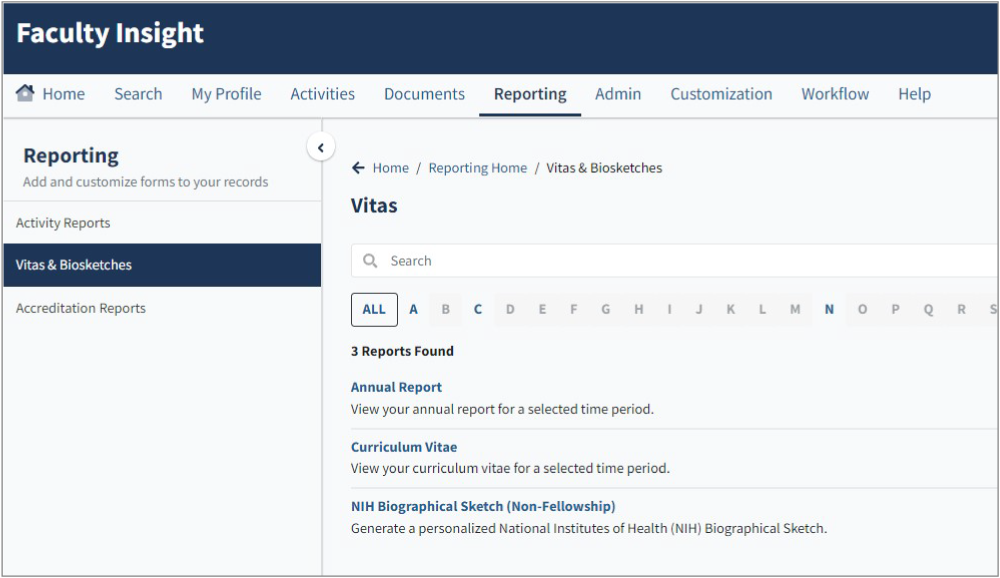
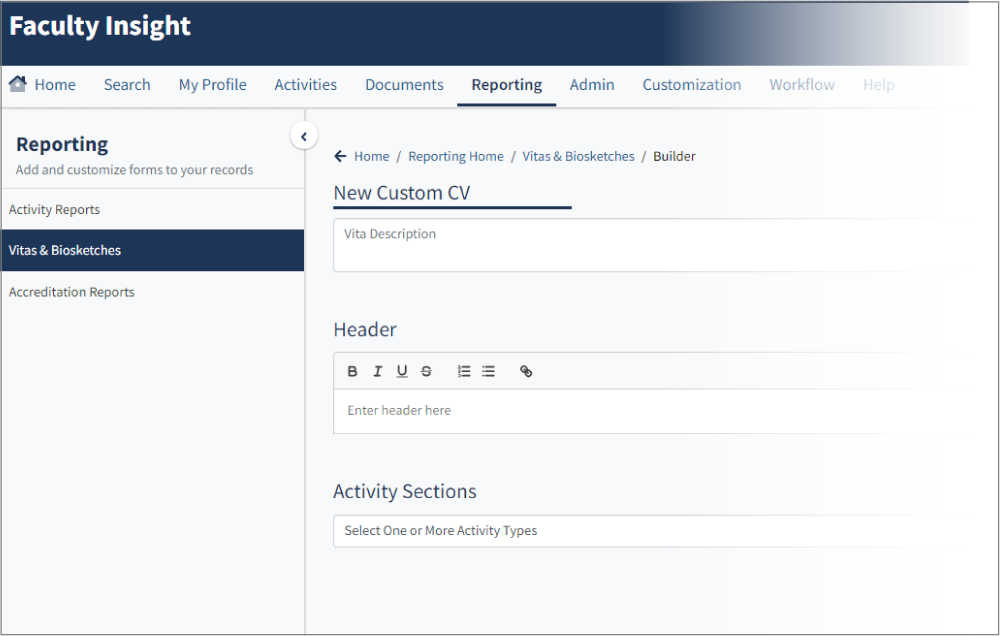
The Faculty Insight Activity Reporting module now includes a custom CV builder, as well as an NIH Biosketch template.
Faculty Insight
The Faculty Insight Activity Reporting module now includes a custom CV builder, as well as an NIH Biosketch template.
Open access links are now included where available, within all Article and Conference Proceedings works. (see example in Benchmarking)
 
Medical Insight
When viewing a faculty profile, you can now choose from two coverage options: Discovery or Peer Analysis. Discovery displays all works and the listed year ranges. Peer Analysis restricts work to the selected year ranges in the Time Window filter (otherwise the year ranges will default to the coverage window for the selected AAD release. (see example in Benchmarking)

Research Insight
When viewing a faculty profile, you can now choose from two coverage options: Discovery or Peer Analysis. Discovery displays all works and the listed year ranges. Peer Analysis restricts work to the selected year ranges in the Time Window filter (otherwise the year ranges will default to the coverage window for the selected AAD release. (see example in Benchmarking)
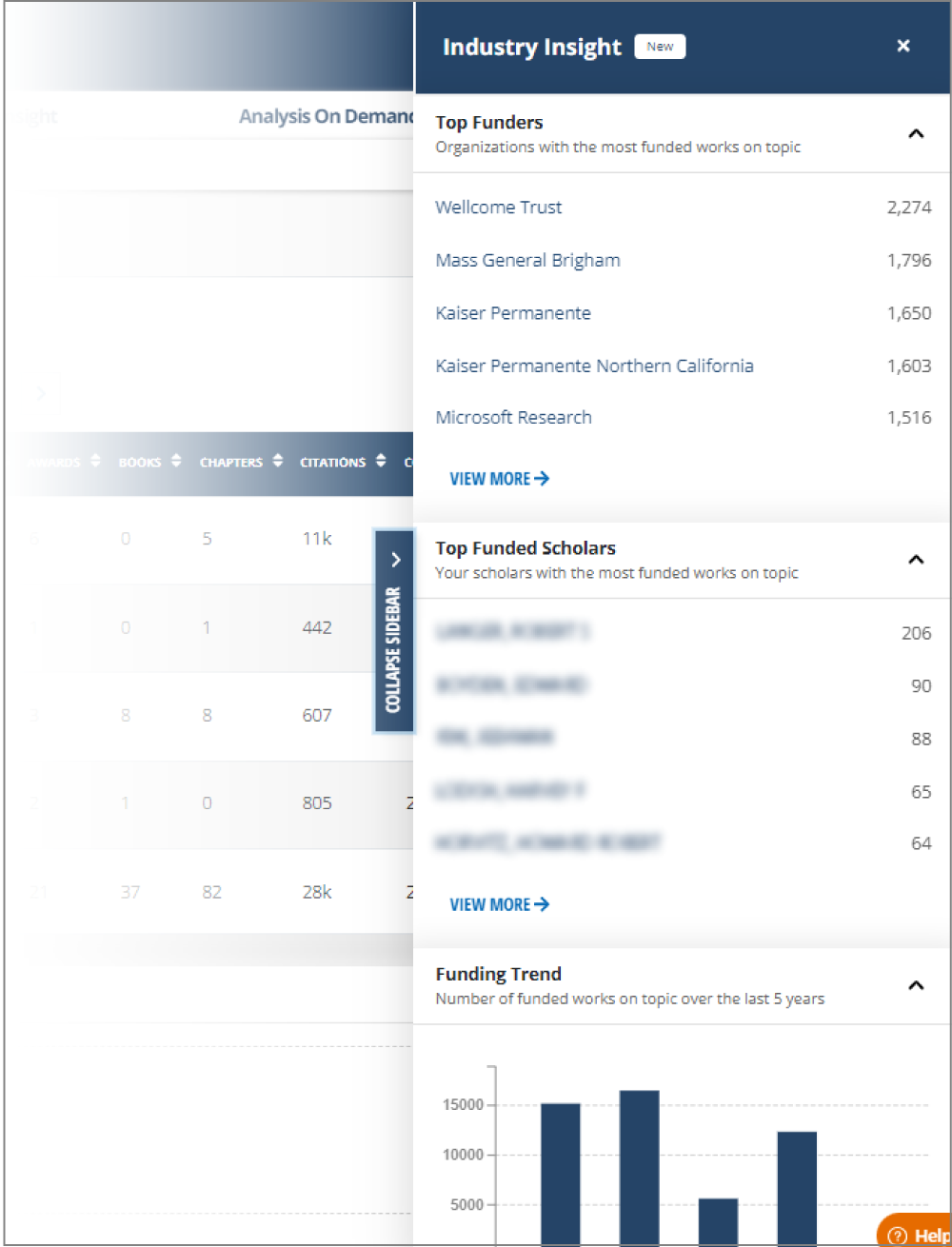
In the Scholars area, highlights from Industry Insight are available on the right of the screen. These highlights include the top 5 funders that match your search (based on the number of funded works) and the top funded scholar related to your search, from your institution. There’s also a chart of funded works over time, related to your search.