|
Hi there,
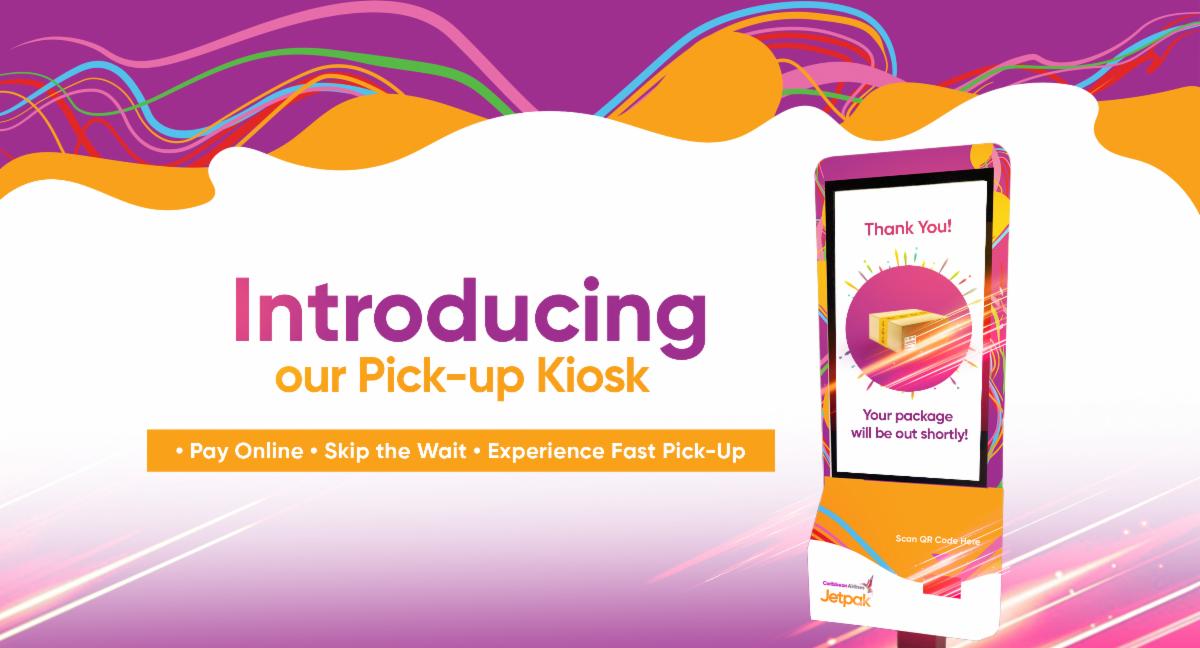
Experience faster pick-up at our Piarco office when you use our all-new Kiosk, designed to enhance your package collection experience. 🚀✨
Here's how it works:
-
Pay for your packages using our online portal. Visit our FAQs for more info.
- Head over to our Piarco Office where our Kiosk is located.
- Open the Jetpak app and tap on the profile logo at the top right-hand corner of the screen.
- Scan your code in the 'Scan QR Code' section on the kiosk or opt to search for your package by entering your Last Name and Box ID.
- Once you locate your paid package, select "continue" to confirm your collection.
Your request will be instantly shared with the warehouse, and your package will be available for pick-up at the counter.
Quick Reminders:
✔️ Pre-alert your shipment for a smoother process. If your shipment is split, here's what to do.
✔️ Track your package every step of the way using our website or by downloading our mobile app on Google play or the App store.
✔️ Include your CAL ID when entering your address on your merchant's website to avoid delivery delays.
|